
Return & warranty tracker

Snap the receipt. Never miss a deadline.

WarrantyBell gives every purchase two countdowns, one for the return window and one for the warranty, and reminds you before either one runs out.

Free download · No account · Your data stays on your phone

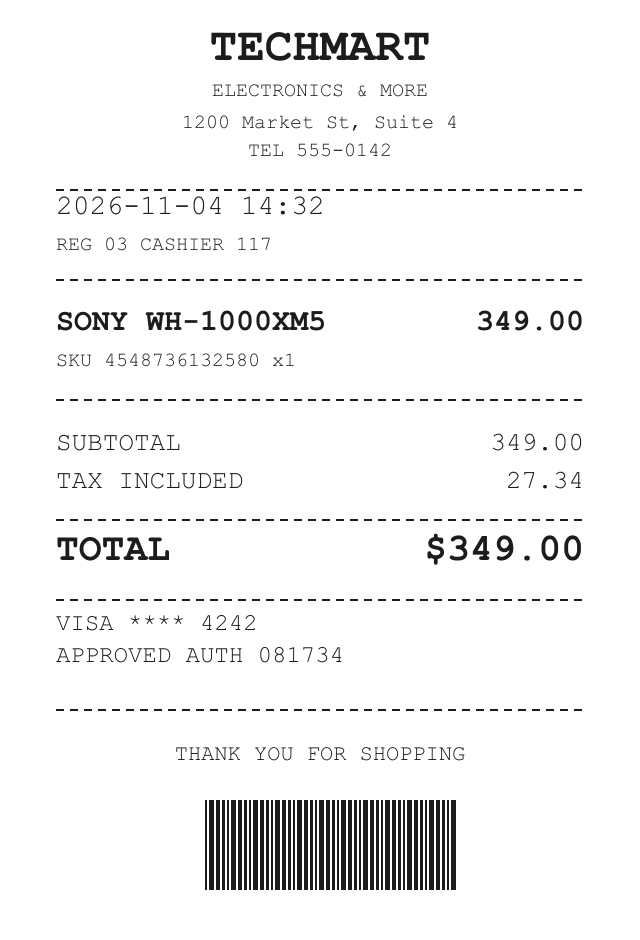
TECHMART ELECTRONICS & MORE 1200 Market St, Suite 4 TEL 555-0142 2026-11-04 14:32 REG 03 CASHIER 117 SONY WH-1000XM5 349.00 SKU 4548736132580 x1 SUBTOTAL 349.00 TAX INCLUDED 27.34 TOTAL $349.00 VISA **** 4242 APPROVED AUTH 081734 THANK YOU FOR SHOPPING Sony WH-1000XM5 2026-11-04 $349.00
Read on your device

Sony WH-1000XM5

TechMart · 2026-11-04 · $349.00

D-12 Return window
23 mo Warranty

Only in WarrantyBell

Sold it? Hand off the warranty.

When you sell an item, pass its remaining warranty to the buyer with a QR code or a file. Their WarrantyBell picks up the same warranty clock from your original purchase date, with the serial number and receipt. No account, no server.

  1. 1 Tap Hand off on the item
  2. 2 Show the QR code or send the file
  3. 3 The buyer's warranty clock keeps counting

What is WarrantyBell?

WarrantyBell is a return and warranty tracker for iPhone, iPad and Android. Snap a receipt and the app reads it on your device, then counts down the return window and the warranty as two separate clocks and reminds you before either one runs out. There is no account and no cloud: everything stays on your phone.

Platforms
iPhone, iPad, Android phones & tablets
Price
Free. Pro monthly, annual or lifetime, with a 7-day trial
App languages
25 languages
Developer
Mint-Soft
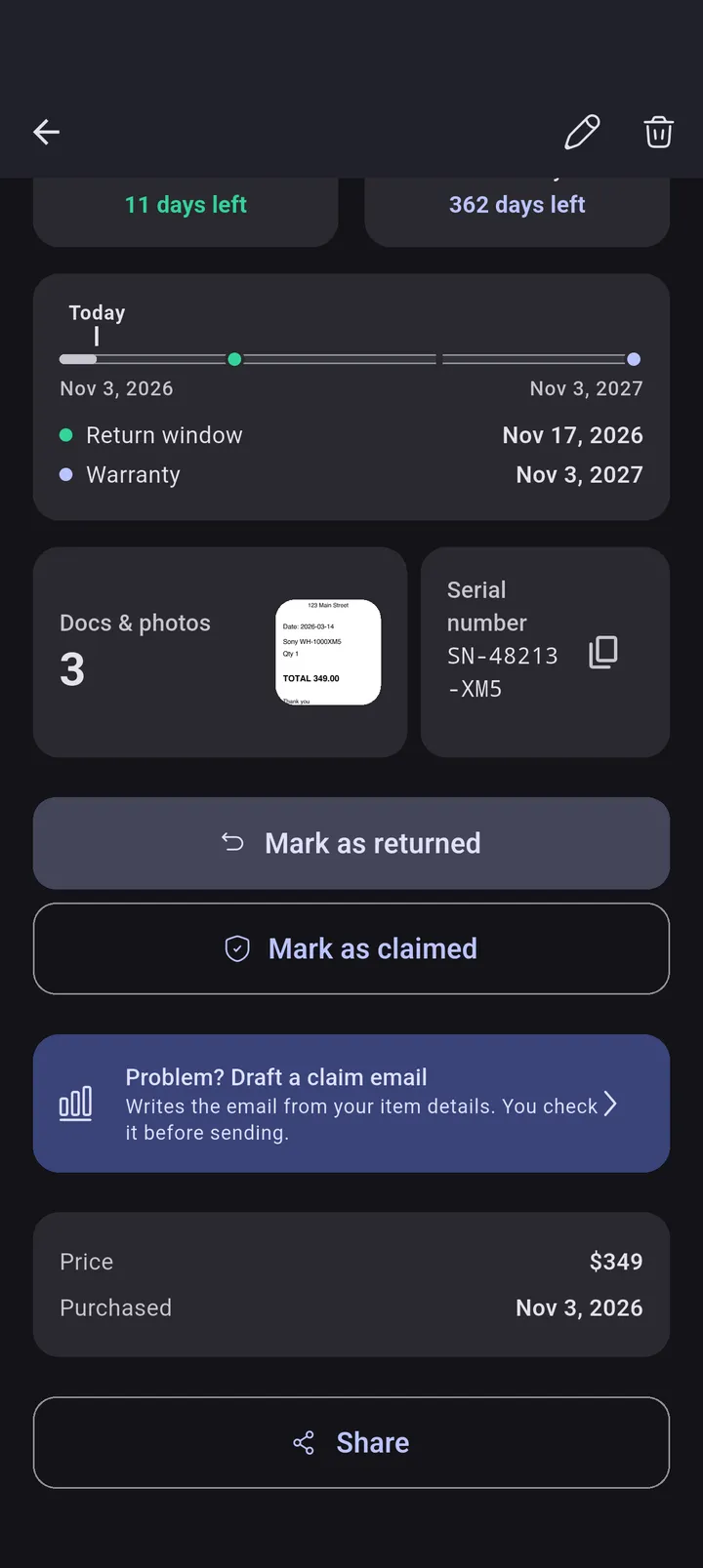
  • Two clocks per item

    Return window and warranty, counted down separately.

  • On-device receipt scan

    Snap a receipt and the form fills itself in, privately.

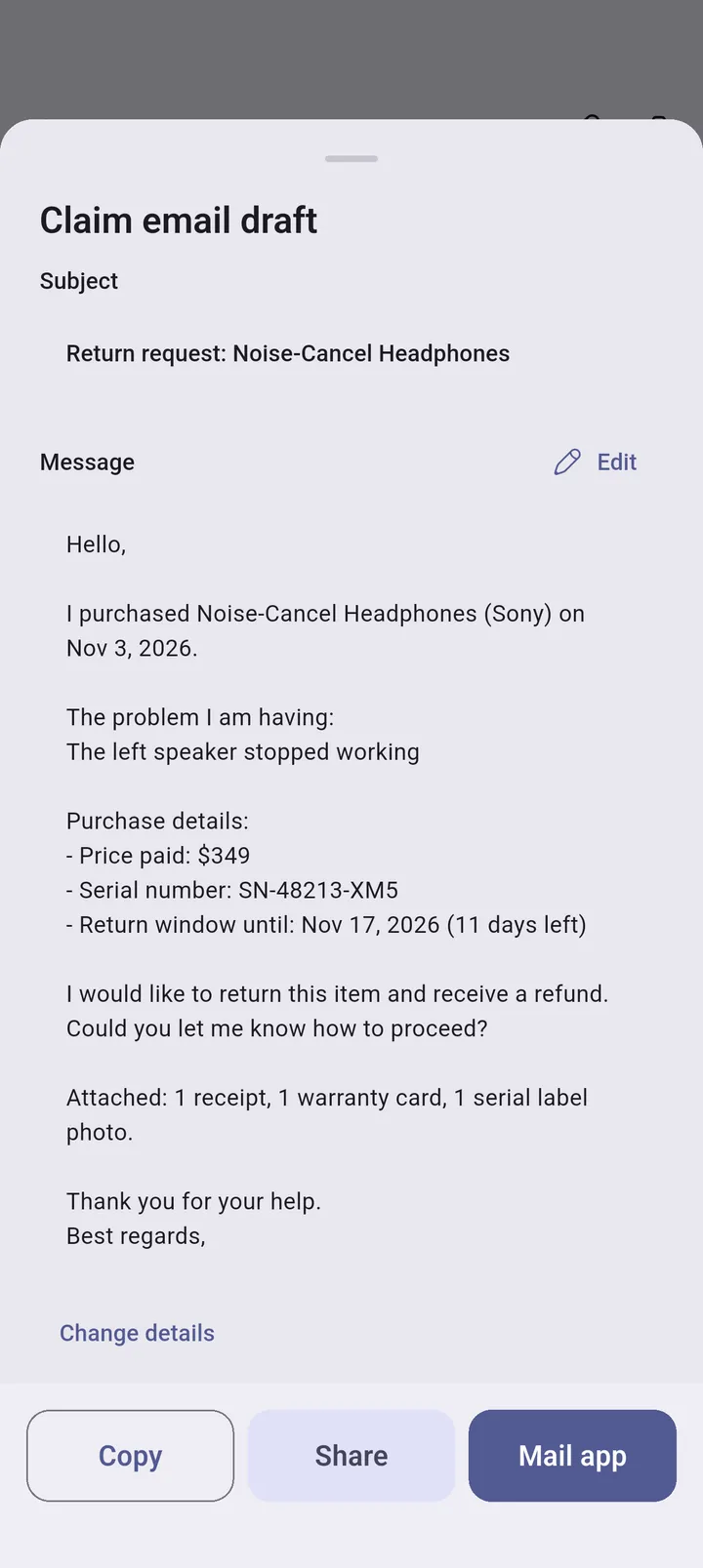
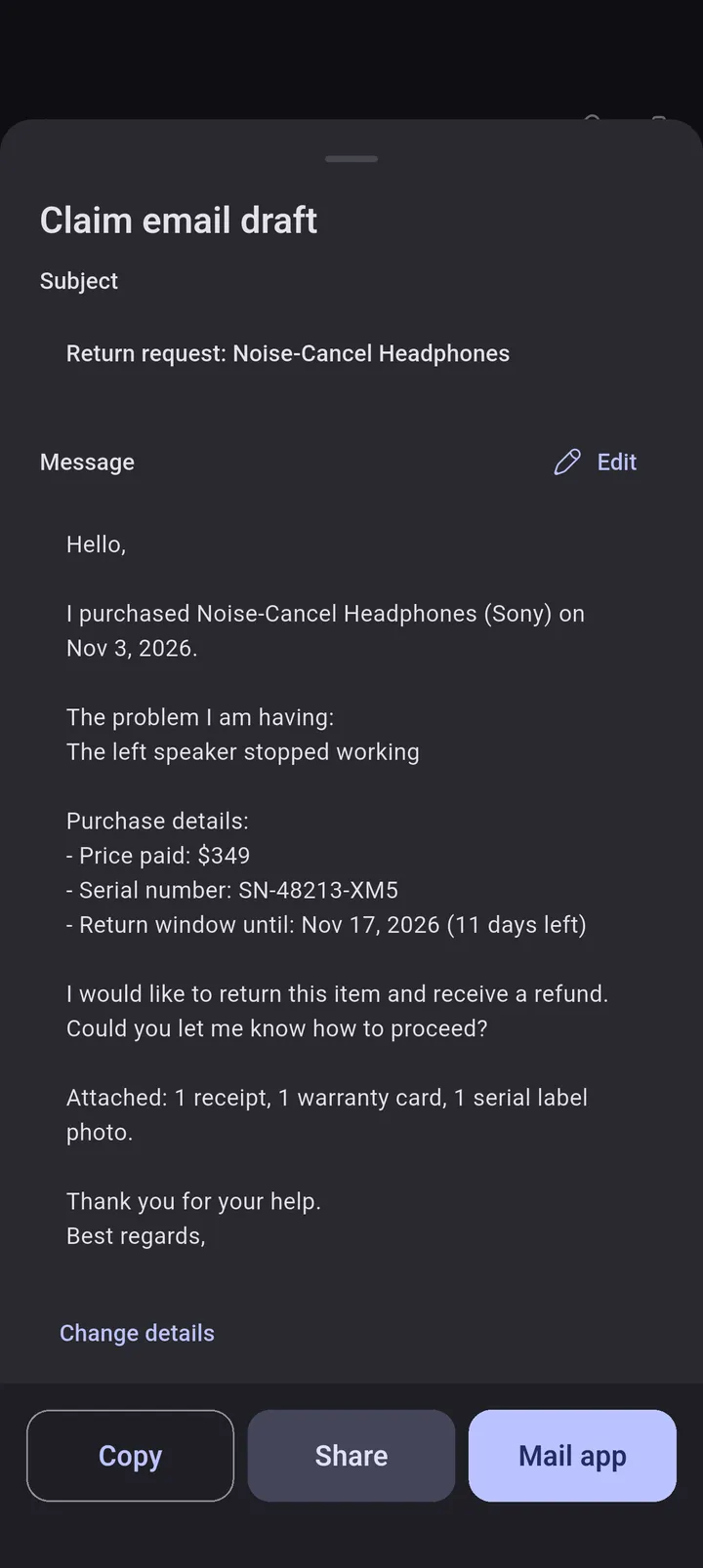
  • Claim email helper

    Draft a return or warranty email and follow it on a timeline.

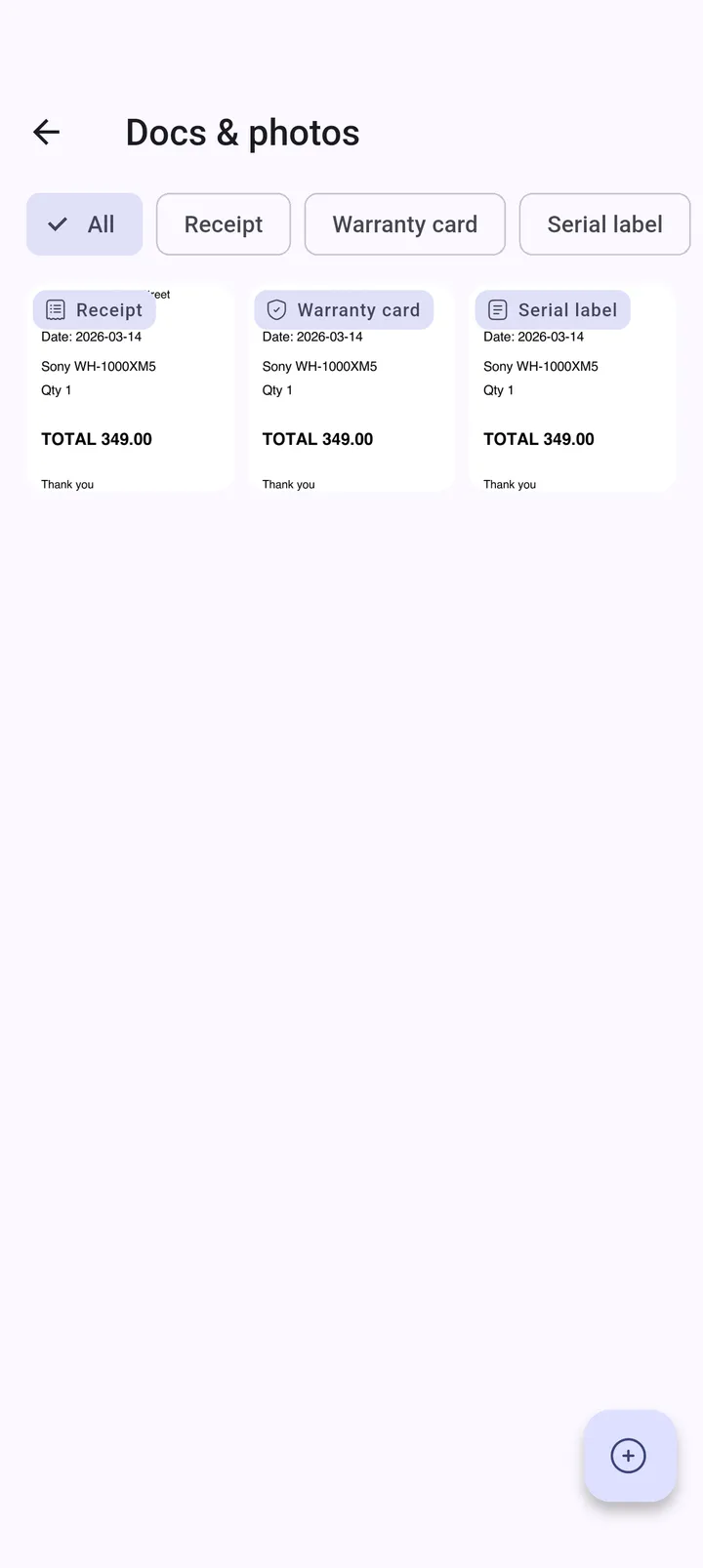
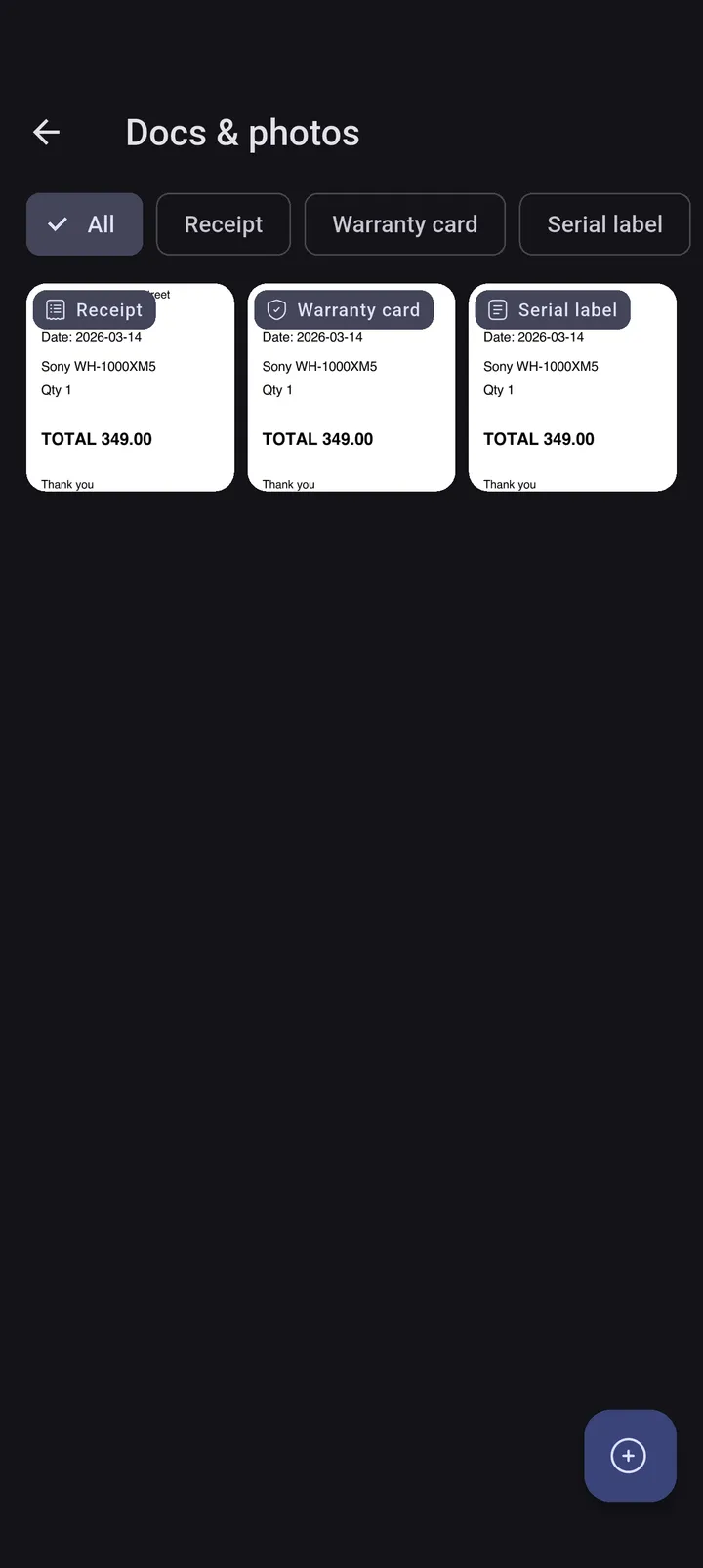
  • Documents, photos, serial numbers

    Keep receipts and warranty cards with each item.

  • Card extended warranty

    Add the bonus months your credit card gives.

  • Backup with photos

    Export a zip with receipt photos and restore on a new phone.

  • Reminders and widgets

    Alerts 30, 7 and 1 day before, plus a home-screen widget.

The idea behind the app

Two clocks per item

  1. Snap the receipt.

    Keep receipts and warranty cards with each item.

  2. On-device receipt scan

    Snap a receipt and the form fills itself in, privately.

  3. Two clocks per item

    Most trackers keep one date. But a return window and a warranty end at very different times, and missing either one costs you money.

  4. Reminders and widgets

    Alerts 30, 7 and 1 day before, plus a home-screen widget.

  5. Claim email helper

    Draft a return or warranty email and follow it on a timeline.

Try it

Check your deadlines in seconds

Enter when you bought it and the policy periods. See exactly when each clock runs out, right here in your browser.

Calculated in your browser. Nothing is sent anywhere.

D-30

Return window

Return by

—

—

12 mo

Warranty

Warranty until

—

—

Try the scan

Read a receipt, right here

Drop a receipt photo and its text is read in your browser with open-source OCR. Then send the result straight to the calculator.

Processed in your browser. Nothing is uploaded.

Claim helper

Draft a claim email in seconds

Pick what you need, fill in the facts, and get a polite, clear email you are ready to send.

In the app, these details come from your saved item and every claim is followed on a timeline.

Request

What's new in 1.1

Version 1.1 adds scanning, claims and backups

  • New

    Warranty Handoff

    Sold it? Pass the remaining warranty to the buyer with a QR code or a file.

  • New

    On-device receipt scan

    Snap a receipt and the form fills itself in, privately.

  • New

    Claim email helper

    Draft a return or warranty email and follow it on a timeline.

  • New

    Backup with photos

    Export a zip with receipt photos and restore on a new phone.

  • New

    Documents, photos, serial numbers

    Keep receipts and warranty cards with each item.

See it in action

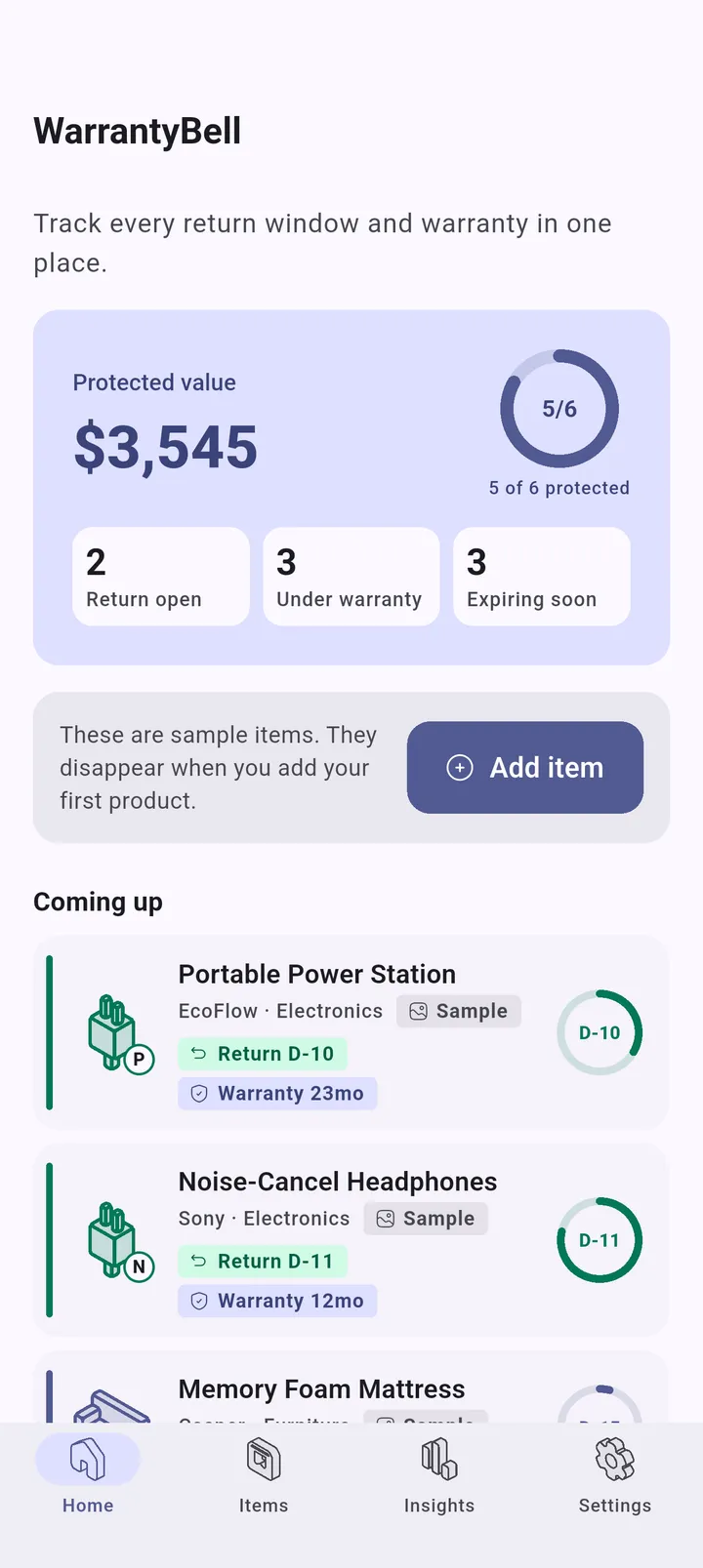
A glanceable list of deadlines instead of a pile of receipts.

  • Expiring soon Expiring soon

    Expiring soon

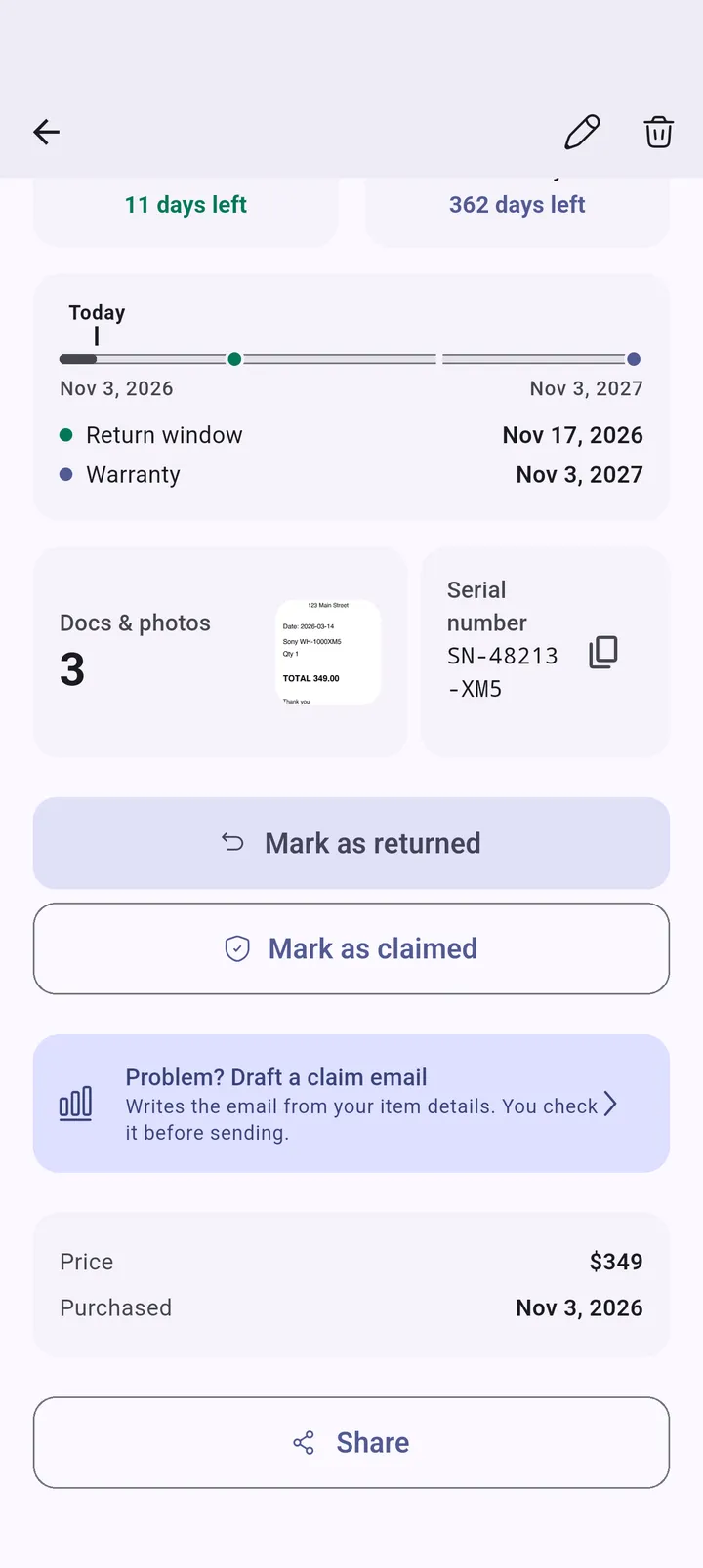
  • Two clocks per item Two clocks per item

    Two clocks per item

  • Documents and photos Documents and photos

    Documents and photos

  • Claim helper Claim helper

    Claim helper

Private by design

There is no account and no cloud. Your items, receipts and photos are stored only on your device, and receipt scanning and AI polishing run on your device. Ads, if shown, use the advertising ID only with your permission.

Privacy Policy

Free to use, Pro when you want more

WarrantyBell is free. Pro adds unlimited receipt scans, unlimited items, up to 8 documents and photos per item, on-device AI claim polishing on supported iPhones, no ads and a category share breakdown.

Free vs Pro

Start free, go Pro when you need more

Free. Pro monthly, annual or lifetime, with a 7-day trial

Feature Free Pro
Items 15 Unlimited
Receipt scans 3 Unlimited
Documents and photos 1 photo on 5 items Up to 8 per item
AI claim polishing (supported iPhones)
Ads Shown None
Warranty Handoff
Two clocks, reminders, widgets, backup

Frequently Asked Questions

What happens to the warranty when I sell an item?

Use Hand off on the item to create a QR code or a file. The buyer opens it in WarrantyBell and gets the same warranty clock, counted from your original purchase date, along with the serial number and receipt. The pass is made on your phone, so nothing is uploaded and no account is needed.

What are the two clocks?

Each item has a return window and a warranty, and WarrantyBell counts down both separately. The return window usually ends first, the warranty later. You can set both when you add an item, and smart default periods are suggested by category and region without overriding what you enter.

Do I need an account?

No. WarrantyBell has no sign-up and no cloud storage. Your items, receipts and photos stay on your device.

How does receipt scanning work?

Point the camera at a receipt, or pick a photo, and the text is recognized on your device to fill in the form. Always review the values before saving. Free users get 3 scans, and Pro has unlimited scans.

How do I back up and restore my data?

Open Settings, Backup. You can export a zip file that includes your receipt photos, or copy a text backup. On a new phone, import the zip file or paste the text backup. Because there is no cloud, keep your backup somewhere safe, for example in your files app or email to yourself.

I changed phones and my items are gone. Can you recover them?

We cannot, because your data never reaches our servers. If you exported a backup, restore it from Settings, Backup. Please export a backup before switching or resetting a phone.

How do I restore my Pro purchase?

Open the Pro screen and tap Restore purchases while signed in to the same App Store or Google Play account you bought with. Subscriptions are managed in your store account settings.

What does the AI claim helper do?

It drafts a return or warranty email from your item details. On supported iPhones, Pro can also polish your description with on-device AI, so your text is not sent to us. Always read the draft before you send it.

Why am I not getting reminders?

Check that notifications are allowed for WarrantyBell in your phone settings, and that reminders are switched on in the app. On Android, if reminders arrive late, exclude the app from aggressive battery saving.

Protect your next purchase

Download WarrantyBell and let the countdowns do the remembering.